We're excited to have you on board and look forward to working together. To help you get up and running, we've put together this guide covering the key steps to set up your account.
For a more detailed walkthrough, our Onboarding Guide provides step-by-step instructions and answers to commonly asked questions, covering everything from navigating your dashboard to integrating Elective with your existing tools using our Zapier guide.
Sign in using the email and password you created during sign-up to access your dashboard.
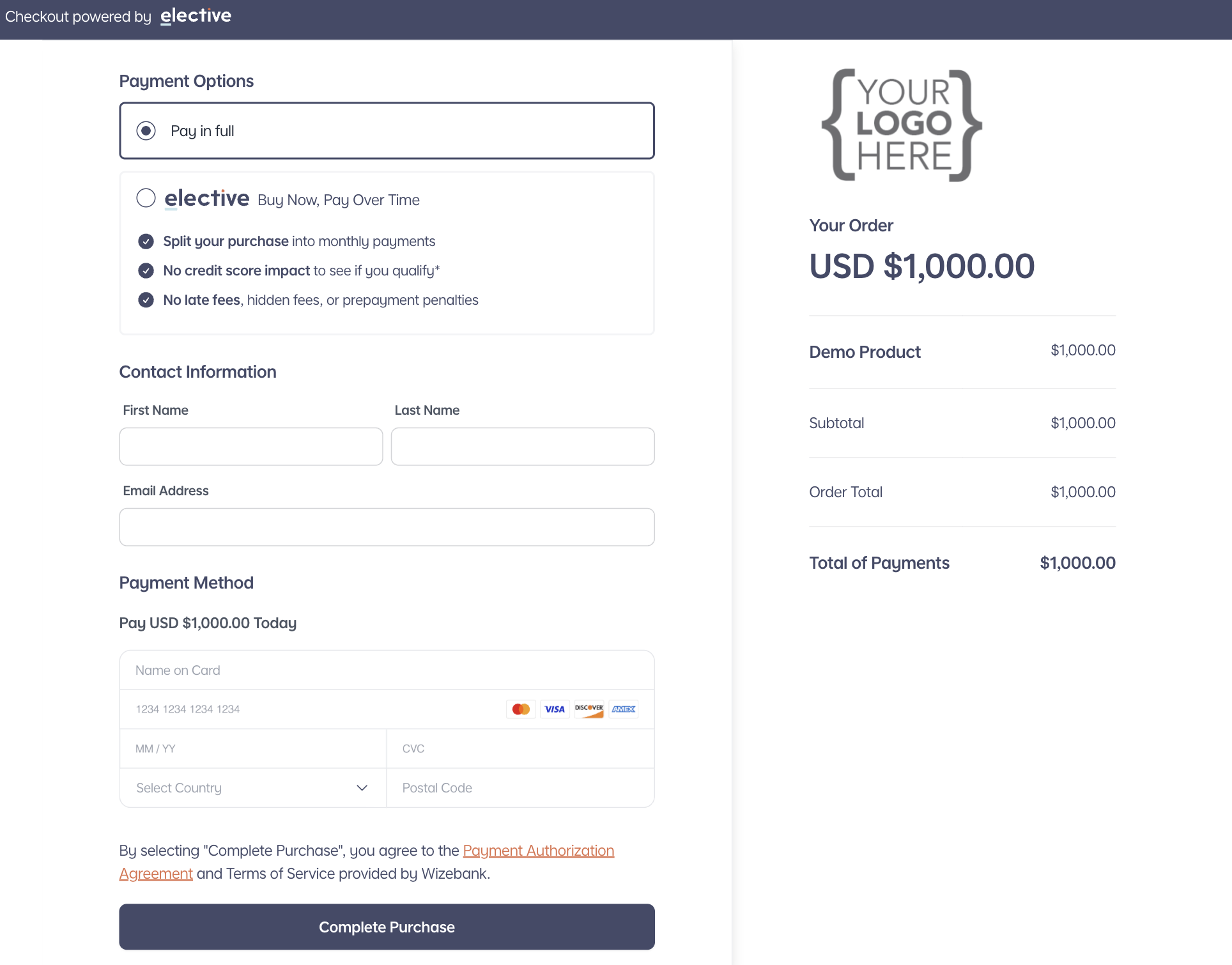
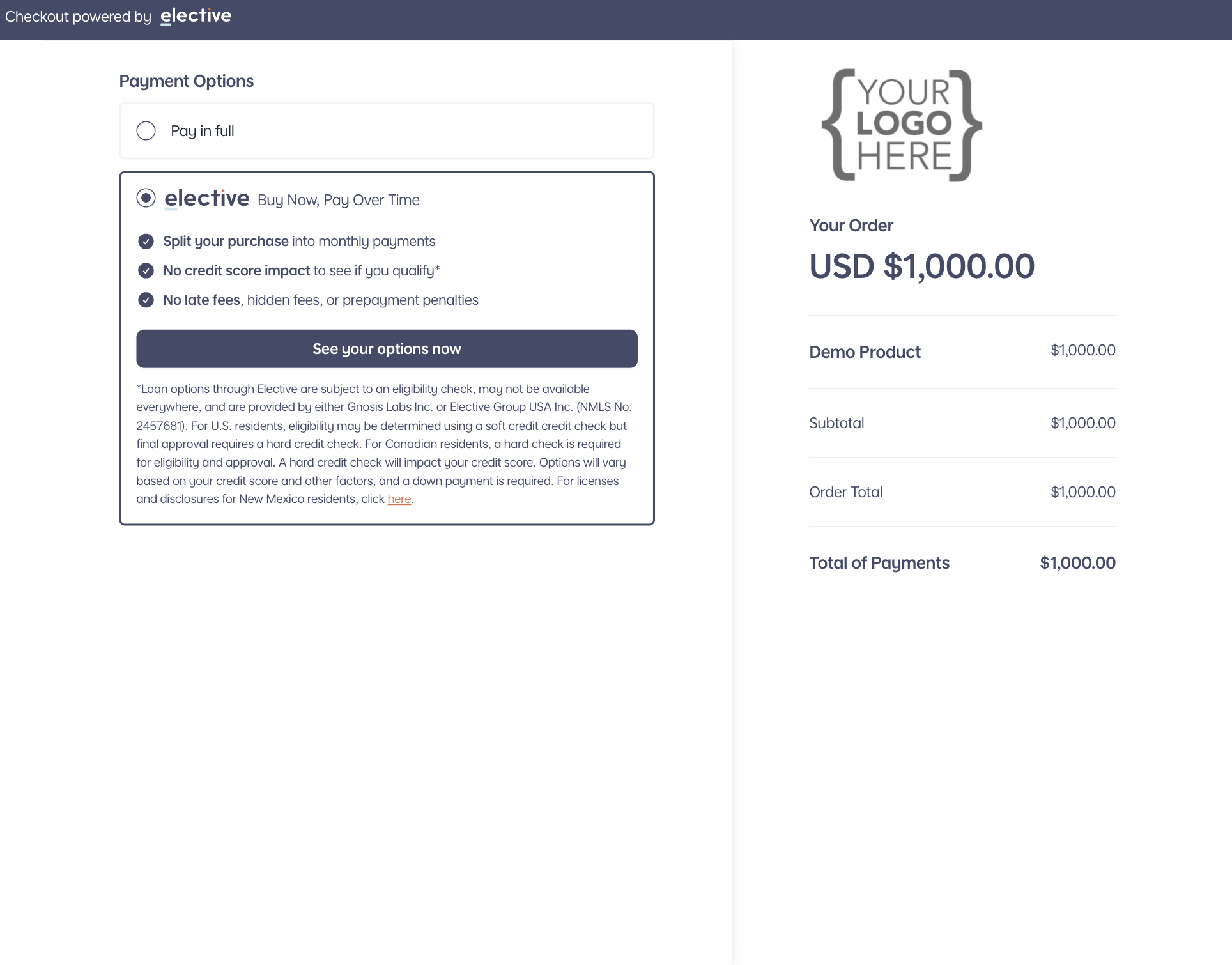
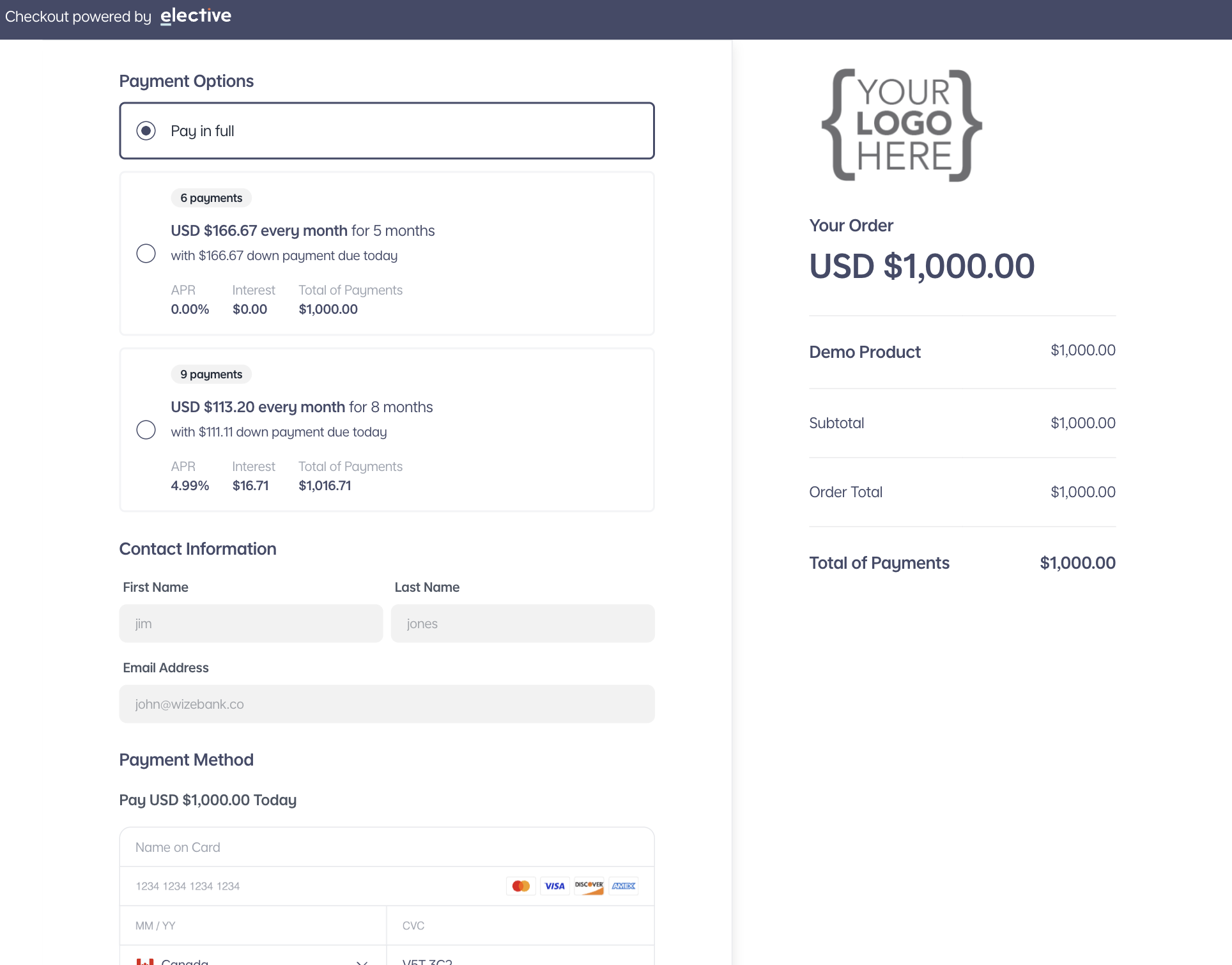
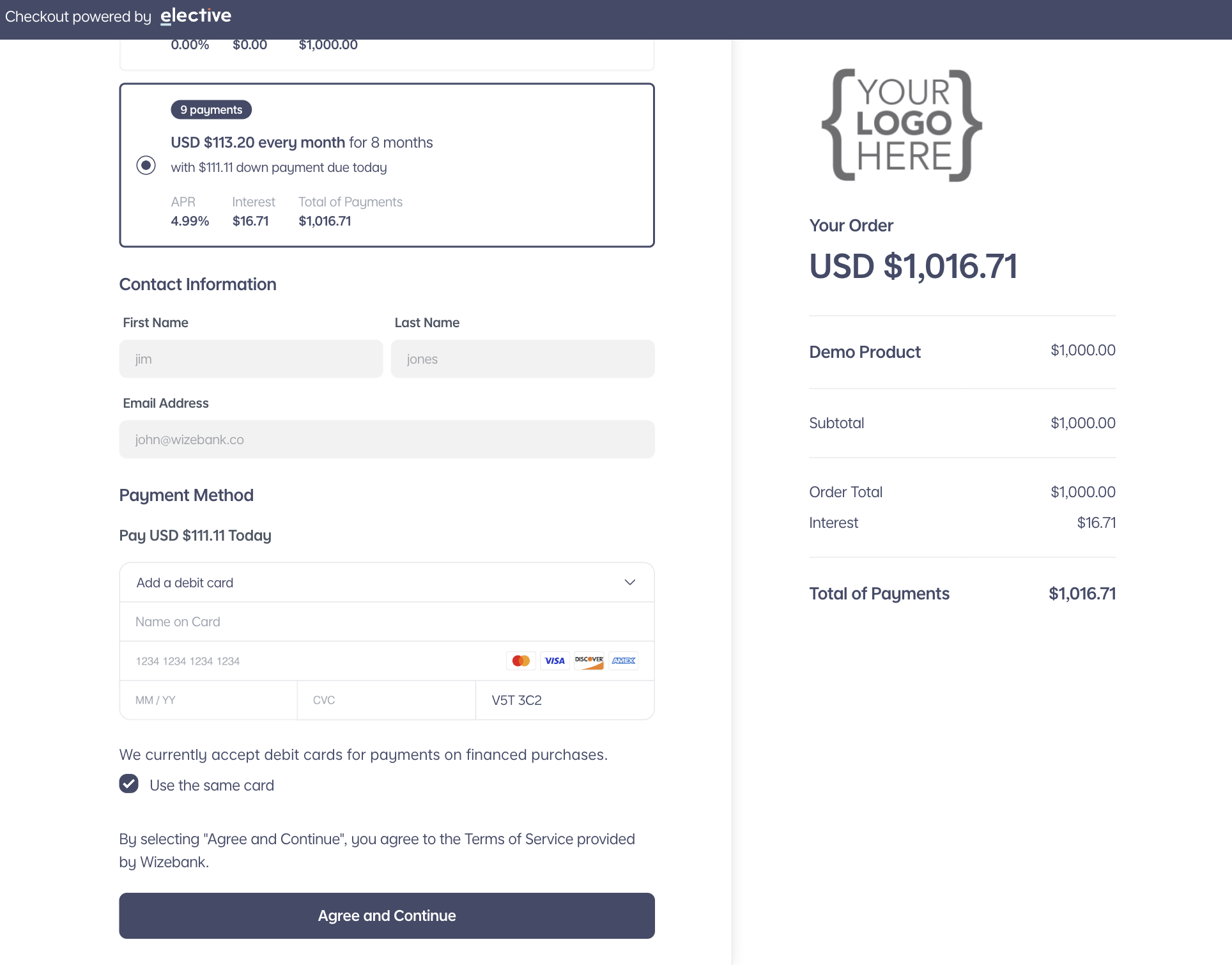
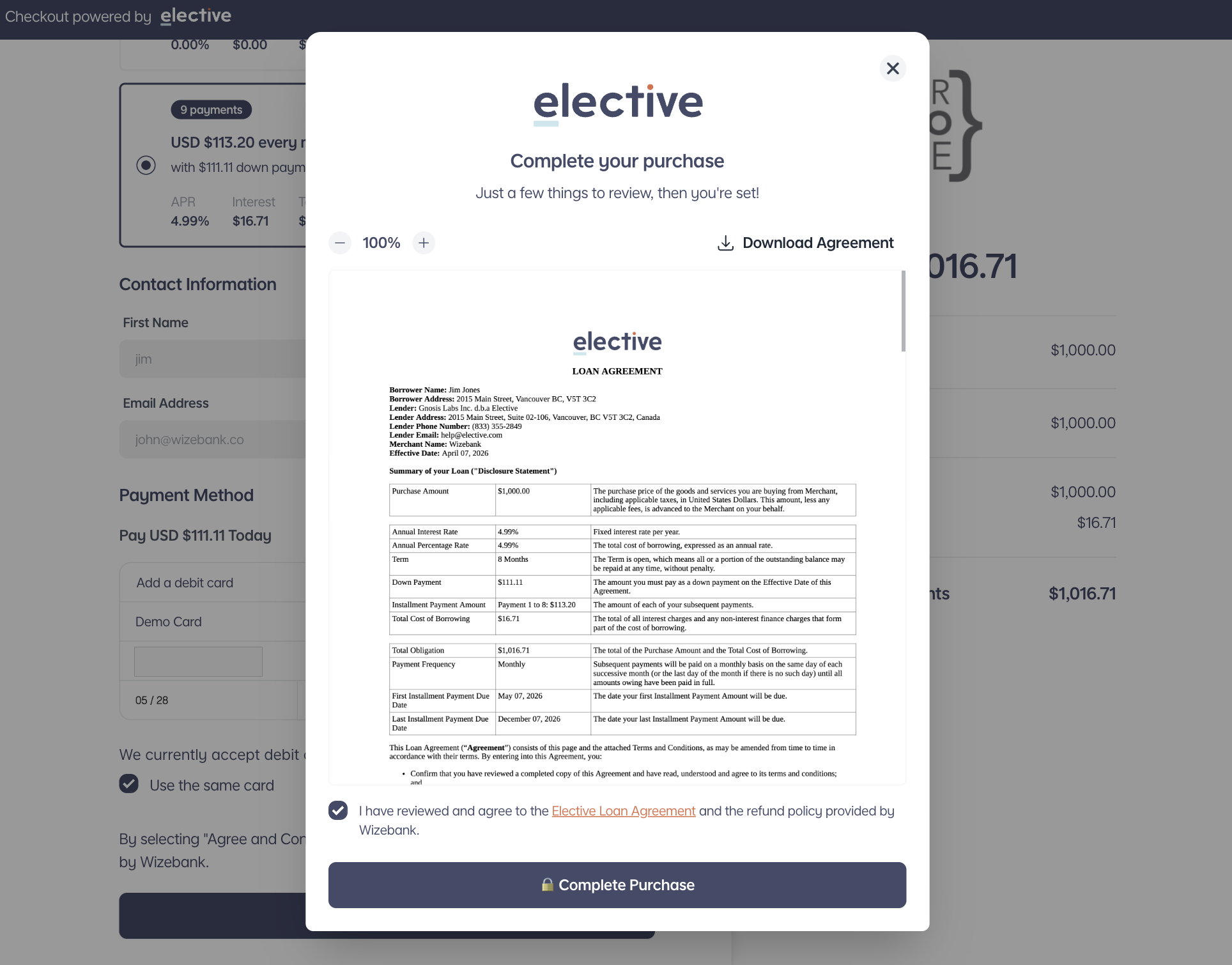
Sign In to ElectiveThe most important initial step is configuring your checkout experience. With Elective's flexible checkout options, you can:
Watch our video guide for a clear walkthrough on configuring your checkout settings for your specific use case.
If you plan on accepting in-house payments via Elective, you'll need to connect your existing payment gateway to Elective. This ensures we can successfully route your payments accordingly.
Elective allows you to invite team members with individual logins and tailored roles. Navigate to Settings > Team in your dashboard to get started.
Each role is clearly explained in the application to help you select appropriate permissions.
While you can set up notifications via our Zapier application, you can also subscribe to email notifications directly in Elective by navigating to Settings > Notifications.
Available notifications include: approved applications, declined applications, completed orders, chargebacks, and more.
As a financial services provider, we operate in a highly regulated industry with strict legal requirements to protect consumers and ensure transparency. These regulations apply to all aspects of our business, including how our products and services are marketed.
Failure to follow these guidelines may result in actions such as suspension or termination of Elective's service. More details can be found in the Merchant Agreement.
When promoting Elective's product on websites, sales pages, email campaigns, or other marketing materials, mentioning specific credit terms is strictly prohibited. The following examples illustrate language that should not be used:
Unless otherwise approved by Elective, these are the only messages that should be used:
Elective offers Loans, not payment plans. Elective can be referred to as a financing option, a loan, or credit, but not a payment plan.
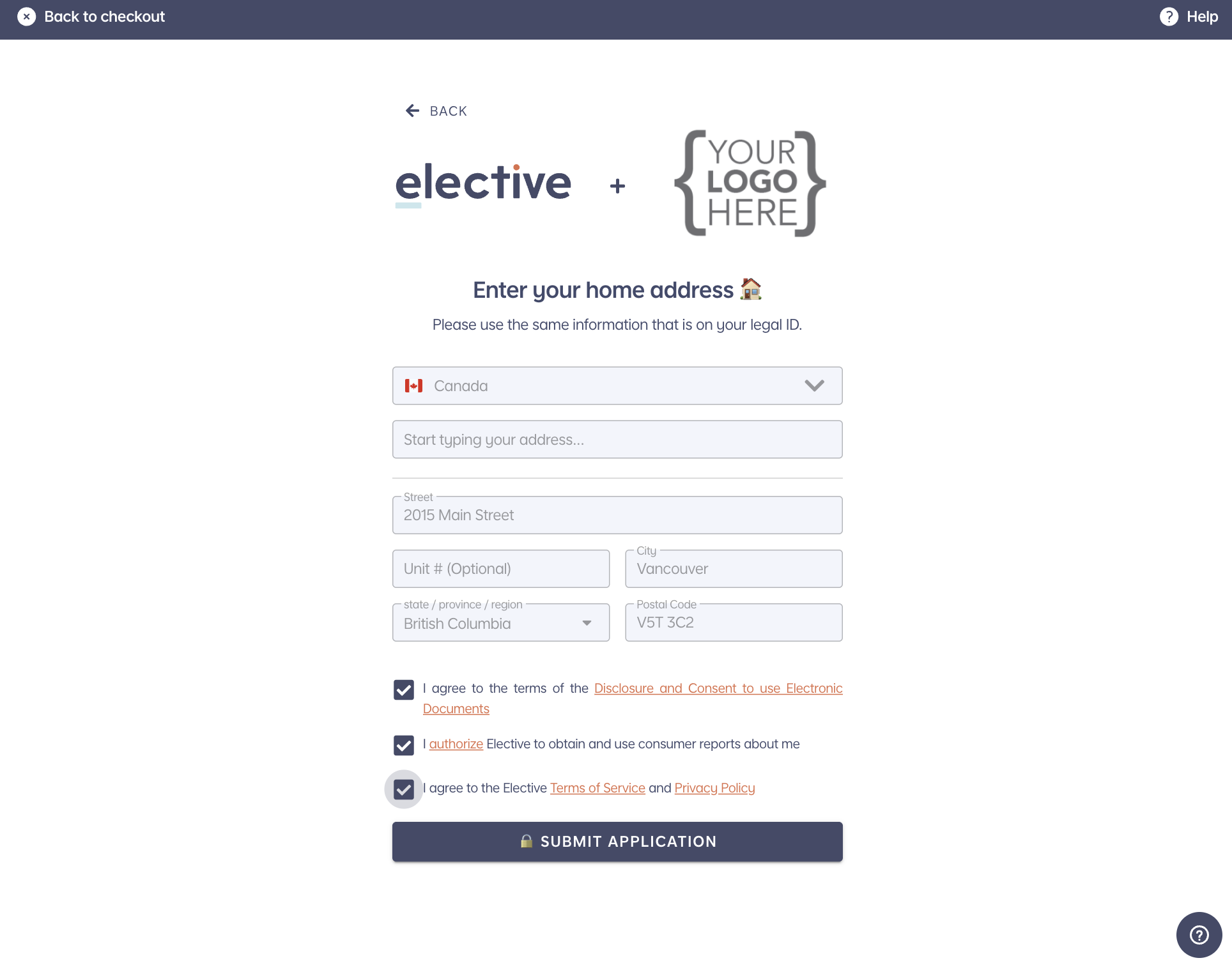
🇺🇸 United States: A soft credit check is used to determine eligibility with no impact to your credit score. Once the customer completes their transaction, a hard credit check is required to be conducted.
🇨🇦 Canada: A hard credit check is always required to determine eligibility.
📊 Credit Reporting: Elective is required to report payment performance to credit bureaus, which means on-time payments can help build your customers' credit history.
Respond with this exact script:
"Checking your eligibility is only a soft credit check and will not impact your credit. However, if you choose to move forward with the loan, a hard credit check will be required."
You must disclose an illustrative example of a loan if you state a specific down payment amount or percentage, a specific payment period or number of payments, or the amount of any payment.
A $1,000 purchase with a $83 down payment will cost $89.75/mo over 11 months at 15% APR. Options will vary based on your credit score and other factors, and a down payment may be required.
Upon request, Elective can provide a custom loan example relevant to your products and services.
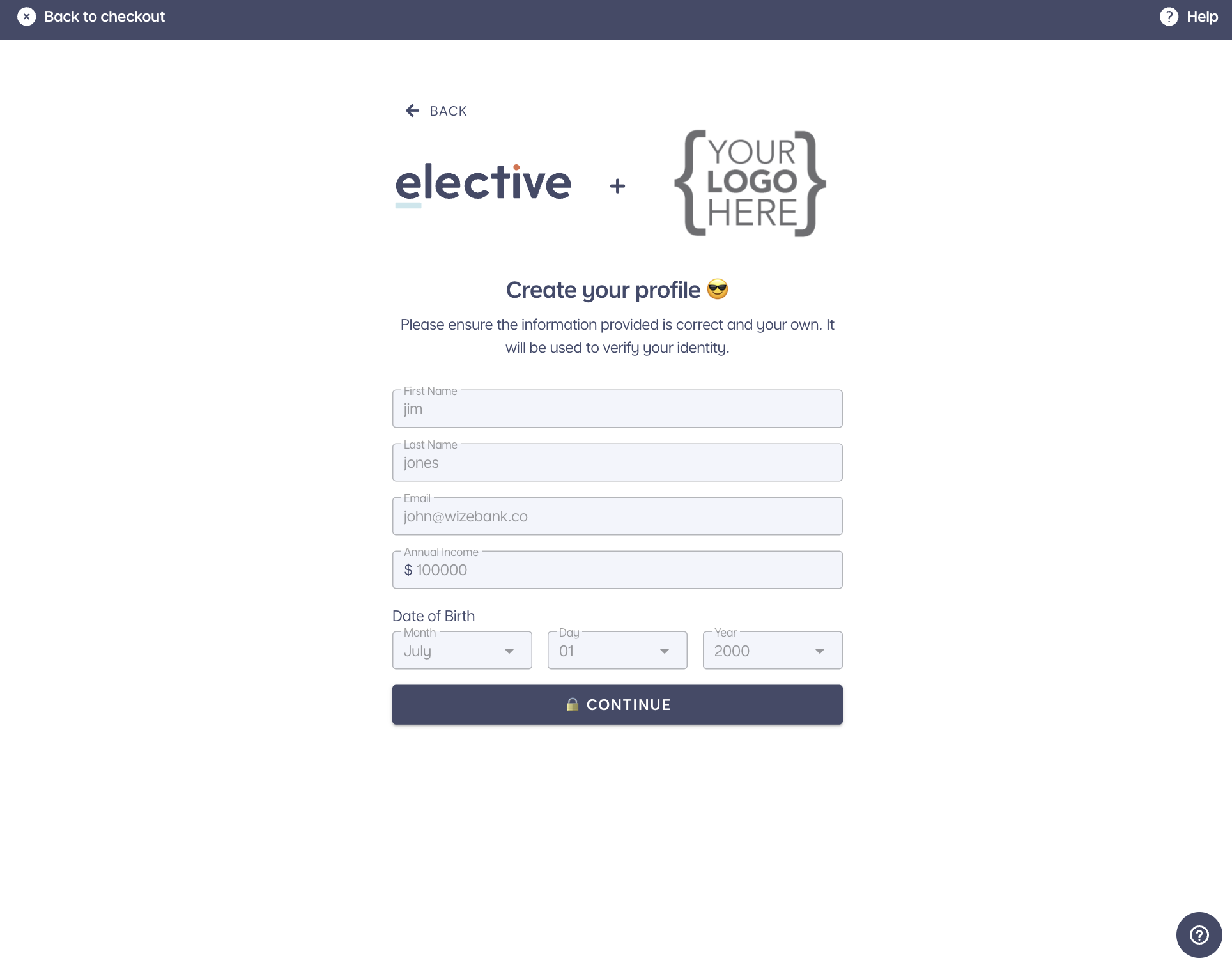
Closers cannot be involved in the application process in any way. The application must be filled out entirely by the customer, without any input, assistance, or interference from the closer.
Hundreds of thousands of customers have completed Elective's checkout on their own — it is designed to be fast, simple, and self-serve. If a customer runs into a technical issue with the checkout itself, direct them to Elective support rather than walking them through the answers.
When the application asks for income, the customer should enter their current annual income. Not projected earnings, not expected future income, not what they hope to make after using your program. Current, verifiable, annual income only.
Closers should not provide any guidance on the income field. The only exception: if the customer asks for clarification, the closer may tell them to enter their current annual income. Nothing more.
If a customer asks: "What should I put for income?"
You can say: "Please enter your current annual income."
That is the complete script. Do not add numbers, ranges, examples, or suggestions about what to include or exclude.
Following these two rules protects the customer, protects your business, and keeps the loan enforceable. Misstated income is one of the fastest ways to get an application declined after the fact or to put an account at risk.